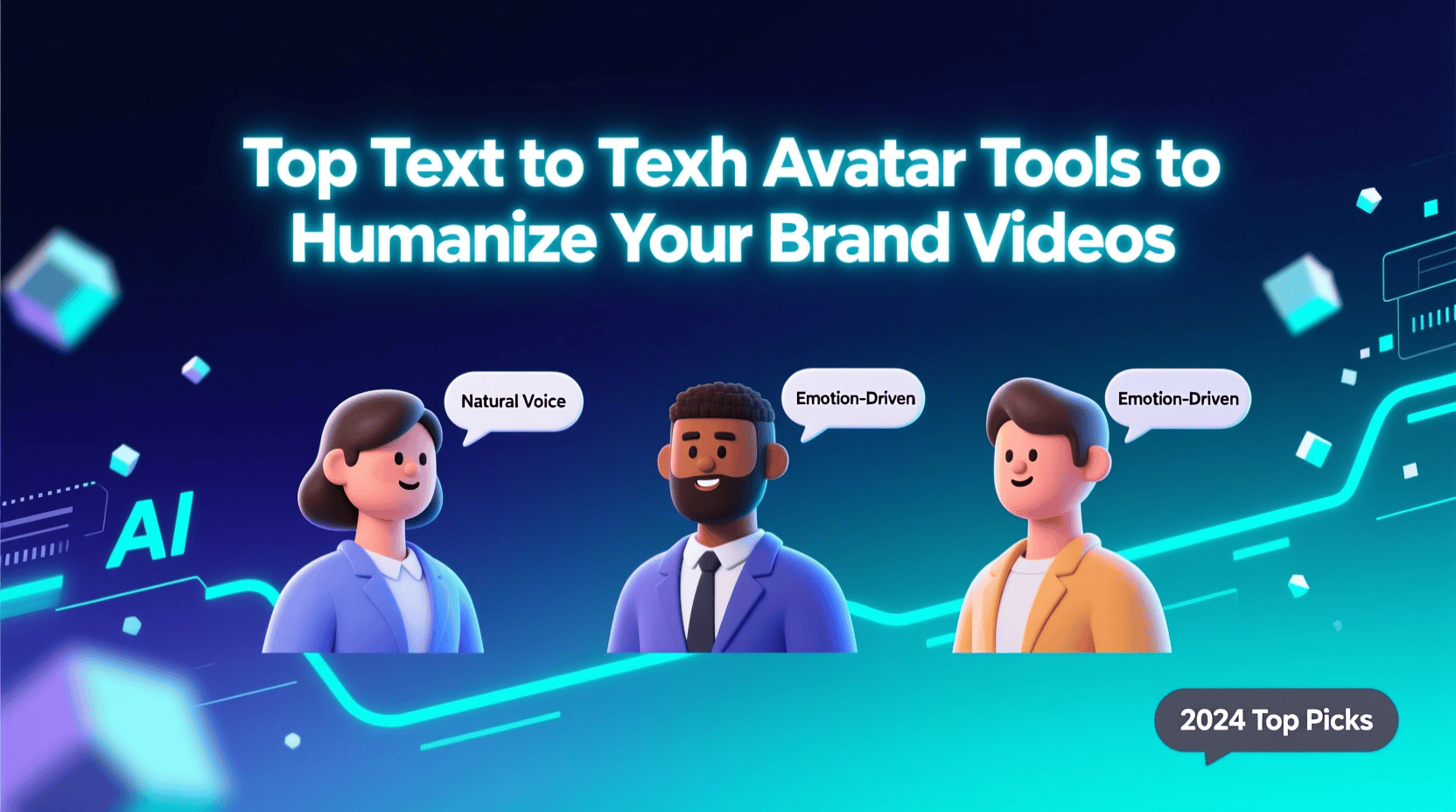
In today’s digital world, video content is king—and making it feel human is often the difference between generic and memorable. For brands, using avatars that speak with natural voices conveys authenticity, eases content production, and enables consistent messaging across channels. Enter the era of text to speech avatar tools: AI-powered platforms that allow you to generate life-like presenters, narrators or spokespersons—without the usual cost or logistics of real actors and camera crews. When paired with a high-quality ai video creator app, you can transform scripts into polished, engaging videos in minutes rather than days.
Why Text to Speech Avatars Matter for Brand Videos
At its core, using a text to speech avatar offers several strategic advantages:
1. Consistency
With a branded avatar voice and appearance, you create a recognisable “face” and “voice” for your brand—useful for explainer videos, training, testimonials and product messaging.
2. Efficiency
Instead of scheduling actors, recording takes, managing lighting and retakes, you type a script, and the avatar speaks it with perfect clarity and lip-synced motion. The process moves much faster.
3. Scalability
You can produce multiple videos—onboarding modules, FAQ responses, social teasers—in a fraction of the time. A strong ai video creator app handles editing, resizing for platforms, and voice-over sync.
4. Global Reach
Many avatar platforms support multiple languages, accents and voices—so your brand can speak to global audiences while maintaining uniform style.
5. Human Feel
While the avatar is artificial, the lip sync, voice tone, facial gestures and professional look give more human appeal than simply text-on-screen or voice-only formats.
For brands aiming to humanize their message at scale, pairing a text to speech avatar with a smart video creator means you get both authenticity and speed.
What to Look for in Text to Speech Avatar / AI Video Creator Tools
Before selecting a platform, consider several key features that separate good from great:
- Lip-sync and mouth motion quality: The avatar should feel natural, not robotic.
- Voice options and languages: More voices, tones and global language support means greater reach.
- Script → video workflow: Simplicity matters. Choose platforms where you paste or type your script and the system builds scenes, voice and avatars automatically.
- Avatar customisation: Can you use your own photo/video to create a “brand twin”? Or pick from a library of actors?
- Platform optimisation: Ability to output videos in landscape, vertical (for Reels/TikTok) and multiple resolutions.
- Editing flexibility: After auto-generation, you should still be able to tweak scenes, voiceover, captions and transitions.
- Brand-kit support: Upload logos, fonts, colours so avatar videos match your brand identity.
- Export / usage rights: Important for commercial use—ensure you can use the avatar videos in ads, websites, training modules.
- Cost & plan structure: Look for free trials or starter tiers to test before committing.
With these criteria in mind, let’s explore five top platforms that excel at text to speech avatars for brand video creation.
1. Invideo
Why It Stands Out
Invideo offers one of the most robust workflows combining avatars, voice-over, and full video production in one tool. You can create a text to speech avatar and then drop that avatar into a branded video sequence via their ai video creator app workflow.
Key Capabilities:
- Upload a video or image (or link to a YouTube clip) to generate an AI avatar that looks like you (or your selected actor).
- The “Text to Speech Avatar” module allows you to type or paste a script; the avatar speaks it in 50+ languages and lip-syncs accurately.
- After avatar generation, you use InVideo’s video creation engine to pick scenarios, stock footage (16 million+ assets), voice tones, captions and more—all within one editor.
- The ai video creator app aspect means you don’t need separate tools for editing, colour grading or resizing—the platform handles it all with text prompts or simple commands.
Best For: Brands and creators who want to streamline production into one platform and generate consistent avatar-led videos for social, training, marketing or e-commerce at scale.
2. HeyGen
Why It Stands Out
HeyGen is known for its extensive avatar library, multilingual voice support and script-to-video simplicity. For brands needing quick turnaround of avatar-led content across languages, it’s a strong choice.
Key Capabilities:
- Over 1,000 AI avatars and voices; support for multiple accents and languages.
- Straightforward script input → avatar speaks it → export video.
- Branding support: upload logos, fonts and palette to maintain consistency.
- Optimised for short-form social content, from vertical to square formats.
Best For: Marketing teams creating localized content or social-first assets where speed and multilingual reach matter.
3. Synthesia
Why It Stands Out
Synthesia is widely used in enterprise training, explainers and internal communications. Strong avatar realism, wide language support and enterprise-grade features make it reliable for scale.
Key Capabilities:
- Access to 230+ lifelike avatars and more than 140 languages.
- Text-to-speech script input and fallback editing options.
- Suitable for training modules, e-learning courses, internal comms where brand voice consistency is key.
Best For: Large organisations or brands that need avatar-led video at scale with polished, professional output.
4. Deepbrain AI
Why It Stands Out
Deepbrain AI focuses on transforming existing content—like presentations—into avatar-led videos. If your brand has many PPTs or PDFs and wants to convert them to video, this tool excels.
Key Capabilities
- Import PowerPoint/PDF content and convert it to narrated video with avatar.
- Quick turnaround for internal comms or standardised training.
- Less emphasis on full-blown editing; more on content conversion.
Best For: Brands with extensive slide decks or static content looking to quickly transform it into video without starting from scratch.
5. Elai
Why It Stands Out
Elai is tailored for brands and educators needing avatar-led videos with minimal production complexity. It offers a simple script → avatar pipeline, with focus on training and messaging rather than high-end production.
Key Capabilities
- Generate videos from script using avatars; custom branding and voice options.
- Good for onboarding, internal communications, and simple product explainers.
- Lower cost entry and straightforward workflow.
Best For: Small to medium sized brands or teams needing efficient avatar-led videos for internal or outbound use without heavy editing.
How to Put These Tools into Action for Your Brand
Here’s a suggested workflow to humanize your brand videos using a text to speech avatar tool:
- Define your goal & audience
Decide what you need: onboarding video, product demo, social teaser, training module.
- Write a concise script
Keep it clear, branded, and conversational. Use a script that an avatar can deliver naturally.
- Select an avatar platform
Choose based on your needs (brand polish, speed, localization). If you’ve chosen invideo: upload a short video or image to create your brand-avatar, then paste your script into the Text to Speech Avatar module.
- Choose the visual style
Use the video-creation portion of the tool (for instance, InVideo’s ai video creator app editor) to choose background scenes, stock footage, product shots, and captions.
- Generate the video
Let the system render the avatar speaking the script, with lip-sync, voice-over, and matching visuals.
- Refine and brand
Add your logo, brand colours, custom fonts. Adjust pacing, scene length, and captions for accessibility.
- Export in the right format
– For YouTube or website: 16:9 landscape
– For Instagram Reels or TikTok: 9:16 vertical
– Ensure subtitles are included for silent autoplay viewers
- Publish & track
Release on your channels. Track engagement, retention and feedback.
- Iterate quickly
Because the process is fast, you can repurpose the avatar for different scripts, languages or platforms.
Tips to Maximize Brand Impact with Avatar Videos
Use a consistent avatar across videos so your audience recognises the “person” behind your brand.
- Add personality: choose natural voice tone, small gestures, and human-like pauses.
- Keep it short: For social, 30–60 seconds works well. For training, you can go longer but segment the content.
- Subtitles matter: Many viewers watch without sound—always include them.
- Localize when needed: Use different languages or accents to reach global audiences.
- Maintain brand identity: Ensure avatar styling, background, voice tone match your brand voice and look.
- Call to action: Don’t forget to add a clear next step (visit site, sign up, subscribe) at the end.
- Reuse assets: Once you have an avatar, use it for multiple scripts—intro/outro, updates, announcements.
- Test formats: Try square, portrait, and landscape to see what works best on your channels.
- Measure performance: Track view-through rates, engagement, and feedback—then refine scripts and visuals accordingly.
Conclusion
Text to speech avatar technology has transformed how brands can produce humanized video content—fast, affordably and at scale. By leveraging a strong avatar platform and pairing it with an ai video creator app, you can maintain brand consistency, engage audiences with a human voice, and rapidly iterate across platforms.
Start with invideo if you want a complete solution—avatar generation + video workflow in one. Then, depending on your needs, explore specialized platforms like HeyGen, Synthesia, Deepbrain AI or Elai for language support, enterprise scale or specific formats.
Your brand message deserves to be heard—and with an avatar on screen delivering it confidently and clearly, you make a memorable impression. In the age of video, it’s less about having the biggest budget and more about having the right tool. Use the workflow above, experiment boldly, measure what works—and your brand will speak (literally) to its audience like never before.