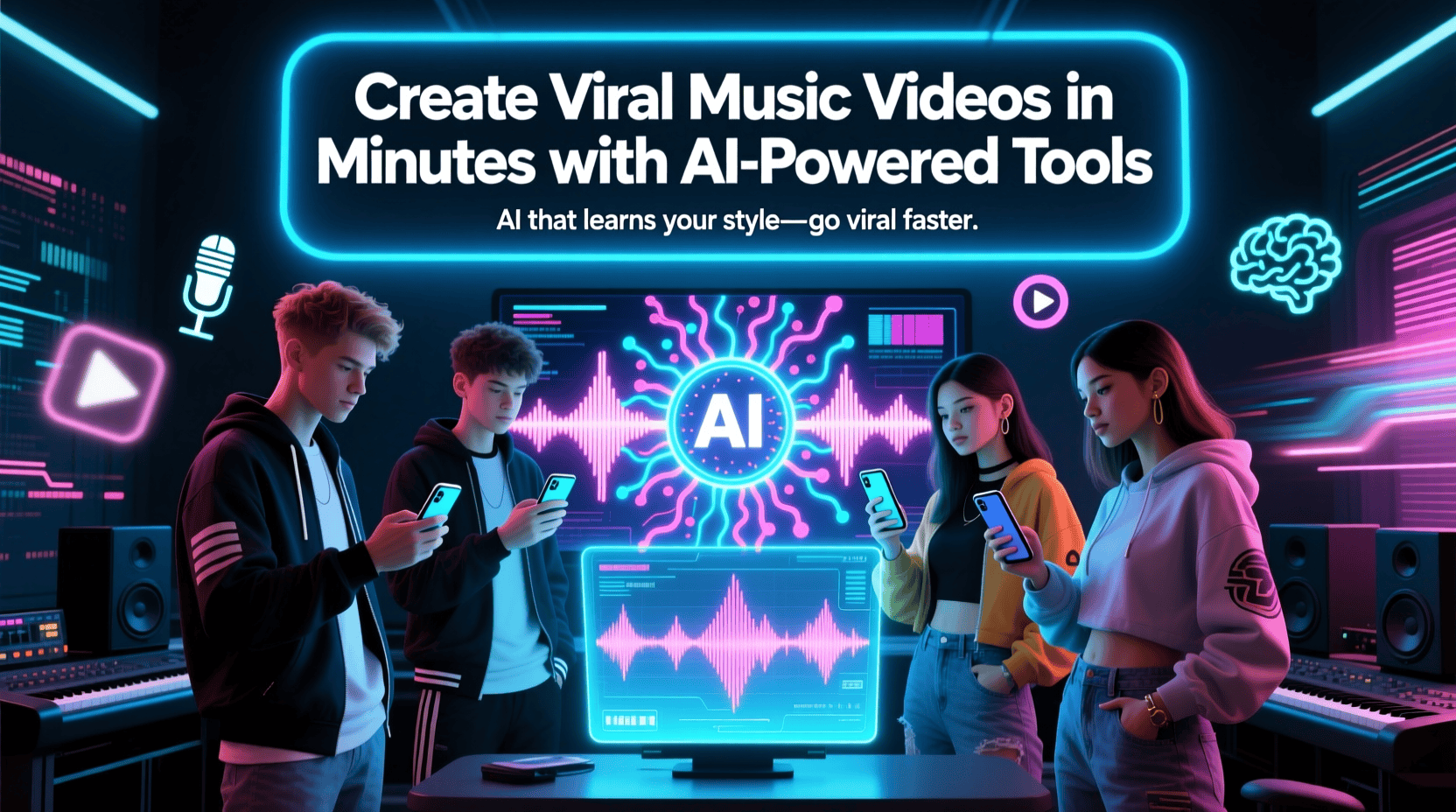
Music videos are one of the most engaging ways to express creativity, promote songs, and connect with audiences. But traditionally, creating them required expensive gear, a production crew, and advanced editing skills.
Thanks to AI-powered tools, that’s no longer the case. You can now transform any song into a visually stunning, share-worthy music video in minutes. Whether you’re an independent musician, social media creator, or marketer, AI helps you produce professional-quality videos that look and sound amazing — without the complexity of traditional editing.
The Power of AI in Music Video Creation
Artificial intelligence can now understand rhythm, mood, and sound patterns to create visuals that perfectly match your music. This technology allows creators to generate cinematic visuals, motion graphics, and lyric videos almost instantly.
Here’s how AI is reshaping the music video industry:
- Automation: AI syncs visuals with beats, transitions, and lyrics automatically.
- Speed: Create polished videos in minutes instead of hours or days.
- Affordability: No need to hire editors or invest in costly production equipment.
- Creativity: Use AI effects, filters, and dynamic animations that enhance storytelling.
- Accessibility: Even non-technical users can create professional results easily.
In short, using an ai music video generator helps you focus on creativity while AI handles the technical aspects — letting you bring your music to life faster than ever.
5 Best AI Music Video Generator Tools
Here are five of the best tools that simplify music video creation with AI. Each offers unique features tailored for musicians and content creators.
1. Invideo
Why It Stands Out:
Invideo is a full-featured ai music video generator that allows you to create high-quality videos in minutes — just by describing your idea. Its smart AI automates everything: writing scripts, generating visuals, adding voiceovers, syncing music, and even creating subtitles and effects.
You simply enter a prompt describing your music video concept, and invideo takes care of the rest. It analyzes your music’s mood and tempo, then builds scenes and transitions that match the rhythm perfectly.
Key Features:
- Generate videos automatically from text prompts.
- Sync visuals, transitions, and effects with your song’s beats.
- Add AI voiceovers, subtitles, and special effects.
- Access 16M+ stock media assets and generative visuals.
- Use the “Magic Box” tool to modify videos instantly.
Invideo also functions as a free ai video app, offering a generous free plan for creators who want to experiment before upgrading. You can create and export videos without paying a cent, making it perfect for beginners or artists testing new concepts.
Best For: Musicians, YouTubers, and marketers who want professional-quality music videos quickly and effortlessly.
2. Neural Frames
Why It Stands Out:
Neural Frames specializes in creating audio-reactive visuals — meaning the video elements respond dynamically to your song’s rhythm, lyrics, and mood. The platform’s AI analyzes your track to generate visuals that pulse, shift, and transition perfectly in sync with your music.
Key Features:
- Audio-reactive video generation using beat and mood analysis.
- Options for cinematic, abstract, or minimalist visual styles.
- Export videos in various resolutions (HD, 2K, and 4K).
- Create vertical or horizontal videos optimized for TikTok, YouTube, or Instagram.
Best For: Independent musicians and DJs who want visually immersive, beat-driven videos for streaming or social platforms.
3. Revid.AI Music Video Generator
Why It Stands Out:
Revid.AI helps you make stunning music videos from any song in minutes. The tool automatically matches the visuals to the audio’s beat and mood, adds lyrics, and syncs transitions flawlessly. It’s designed for quick turnarounds and professional polish without requiring any editing experience.
Key Features:
- Upload your track, pick a video style, and generate instantly.
- Auto beat-sync with visuals and transitions.
- Add animated lyrics and captions.
- Choose aspect ratios for YouTube, TikTok, or Reels.
Best For: Creators and artists looking for a quick, reliable way to turn audio tracks into engaging videos ready for social sharing.
4. FreeBeat AI
Why It Stands Out:
FreeBeat AI focuses on speed and simplicity. Upload your music track, and the platform automatically generates beat-synced videos tailored for social media virality. You can also customize moods and visual themes to match your song’s tone.
Key Features:
- Automatic beat synchronization for smooth visual flow.
- Customizable video themes (e.g., energetic, cinematic, chill).
- Optimized for short-form platforms like TikTok and Instagram.
- Fast rendering with one-click export options.
Best For: Artists, influencers, or brands who want to create short, viral-style clips that capture attention instantly.
5. Rotor Videos
Why It Stands Out:
Rotor Videos is designed for musicians who want to create high-quality lyric or performance-style videos easily. You upload your track, choose visual styles, and the platform automatically edits clips and transitions to match your beat and lyrics.
Key Features:
- AI beat-detection for seamless syncing.
- Large library of stock visuals, filters, and motion templates.
- Automatic lyric video generation.
- Flexible pricing and quick export options.
Best For: Artists who want to create professional music or lyric videos that emphasize storytelling and performance.
How to Create a Viral Music Video Using AI
Here’s a step-by-step approach to using an ai music video generator effectively:
- Choose Your Song: Pick your original or licensed track.
- Select the Tool: Use a platform like Invideo or any from the list above.
- Upload or Describe: Upload your song or describe your idea in a text prompt.
- Generate the Video: Let AI build scenes, sync transitions, and add subtitles automatically.
- Customize: Adjust visuals, text overlays, and timing for your desired look.
- Export & Share: Export your video in the right format and post it across YouTube, TikTok, or Instagram.
Why Use a Free AI Video App?
If you’re new to AI video creation, starting with a free ai video app is a smart move. It lets you test different formats, learn how AI automates your workflow, and experiment creatively before committing to a paid plan.
Invideo’s free version, for example, gives you access to stock footage and smart automation tools — enough to create professional-quality videos without spending a dime. Once you’re comfortable, you can upgrade for higher-quality exports and advanced AI features.
Tips to Make Your AI Music Video Go Viral
Even with the best AI tools, virality depends on presentation and timing. Here are some proven tips:
- Start with a strong hook: Capture attention in the first 3 seconds.
- Use subtitles or lyrics: Viewers engage more when they can follow along.
- Keep it short: Social media favors videos under 60 seconds.
- Post at the right time: Release when your audience is most active.
- Engage with viewers: Respond to comments and encourage shares.
- Stay on trend: Align visuals or hashtags with trending topics.
Final Thoughts
AI is reshaping the future of music video creation. What once took days of editing and high-end production can now be achieved in minutes with tools like Invideo, the ultimate ai music video generator for creators of all levels.
With its intuitive interface, automatic beat syncing, and availability as a free ai video app, Invideo empowers anyone — from musicians to marketers — to turn their music into captivating, viral-ready videos.
So whether you’re promoting your latest track, launching a campaign, or simply expressing creativity, these AI-powered tools make it easier than ever to create videos that strike the perfect balance between art and innovation. Your next viral hit could be just a few clicks away.