You wouldn’t drive your car for five years without an oil change and expect peak performance. Yet that’s exactly what many companies do with their NetSuite ERP. They implement the system, use it daily, and never stop to ask: Is this thing actually running the way it should be?
The answer, more often than not, is no. Over time, even the best-implemented NetSuite environments accumulate inefficiencies—unused customizations, bloated saved searches, broken workflows, integration bottlenecks, and permissions that haven’t been reviewed since the original go-live. These issues don’t announce themselves. They build quietly in the background, gradually degrading performance, reliability, and user satisfaction.
That’s where a NetSuite health check comes in.
What Is a NetSuite Health Check?
A NetSuite health check is a comprehensive audit of your entire NetSuite environment. It evaluates the system across multiple dimensions—performance, customization health, workflow efficiency, data integrity, integration reliability, security, and user adoption—to identify issues, risks, and opportunities for improvement.
Think of it as a full diagnostic for your ERP. The output is typically a detailed report with prioritized recommendations, giving you a clear roadmap for bringing your system back to peak performance.
A thorough health check examines:
- System performance: Page load times, search execution speed, script execution governance, and overall responsiveness.
- Customization audit: Review of all custom scripts (SuiteScript), workflows, custom records, custom fields, and forms to identify unused, redundant, or poorly written code.
- Data integrity: Examination of data quality across key records—customers, vendors, items, transactions—looking for duplicates, orphaned records, and inconsistent data.
- Workflow analysis: Evaluation of all automated workflows and approval processes for logic errors, bottlenecks, or outdated rules.
- Integration health: Assessment of all inbound and outbound integrations for reliability, error rates, and performance impact.
- Security review: Audit of roles, permissions, and access controls to ensure compliance with least-privilege principles.
- Reporting and dashboards: Review of saved searches, reports, and dashboards for optimization opportunities and accuracy.
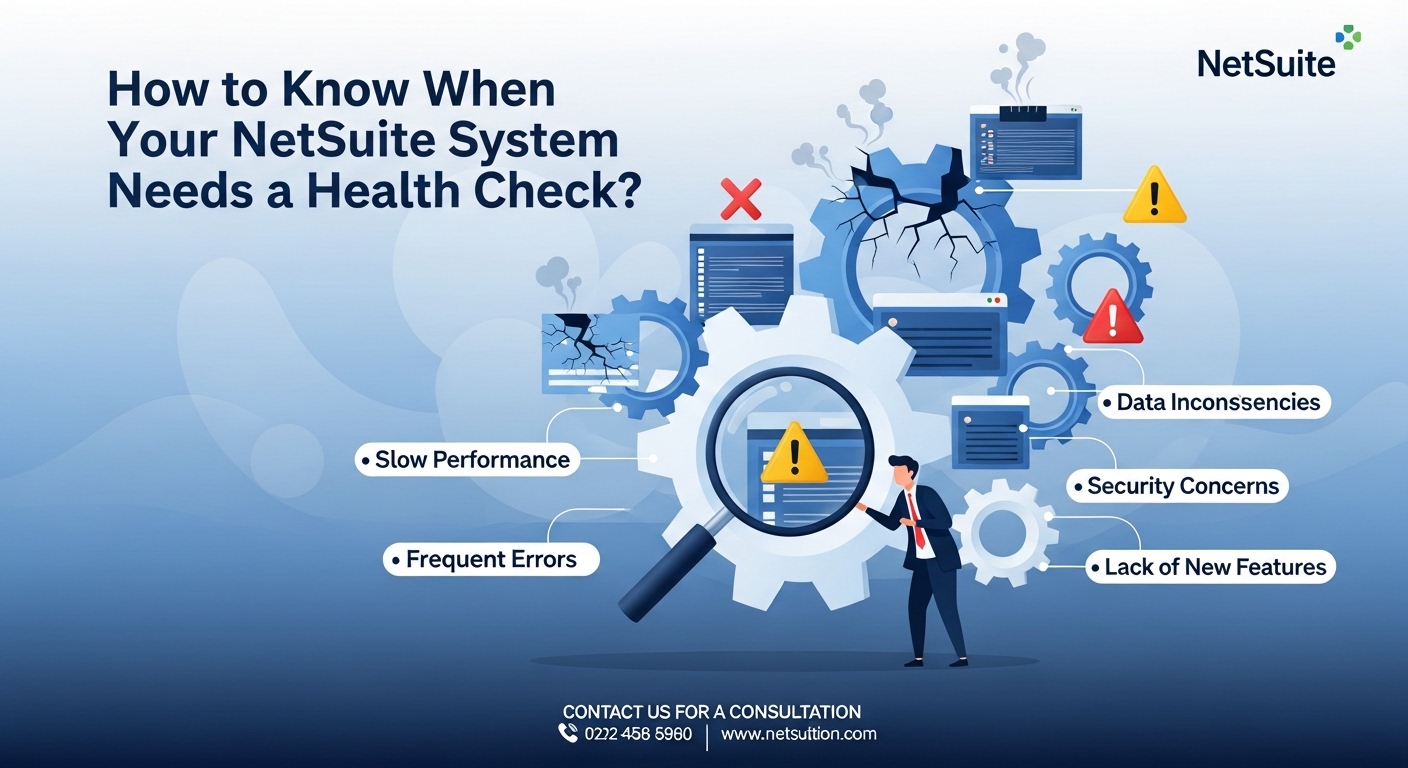
Signs Your NetSuite System Needs a Health Check
While proactive, scheduled health checks are ideal (we recommend annually at minimum), there are clear warning signs that your system needs attention sooner rather than later.
1. Pages Are Loading Slowly
If users are complaining that NetSuite feels “sluggish”—whether it’s loading records, running saved searches, or opening dashboards—there’s almost certainly a performance issue lurking beneath the surface. Common culprits include inefficient custom scripts that fire on every page load, saved searches with excessive join criteria, or simply too many concurrent processes competing for resources.
2. You’ve Had the Same Customizations Since Go-Live
Business processes evolve. If the custom scripts and workflows built during your original implementation haven’t been reviewed or updated in two or more years, they’re likely no longer aligned with how your team actually works. Worse, they may be consuming governance units unnecessarily or conflicting with newer customizations.
3. Integrations Are Failing Silently
One of the most dangerous integration issues is the silent failure—data stops syncing between systems, but no one notices until a customer complains about a missing order or finance discovers a reconciliation discrepancy during month-end close. If you’re not actively monitoring your integrations, you don’t know whether they’re healthy.
4. Users Are Building Workarounds
When employees create shadow spreadsheets, manual tracking systems, or off-platform processes to compensate for what NetSuite isn’t doing well, it’s a clear sign that the system isn’t meeting their needs. These workarounds are symptoms of underlying configuration or process issues that a health check can identify and resolve.
5. You’ve Been Through Major Business Changes
Acquisitions, new product lines, geographic expansion, restructured teams, changing compliance requirements—any of these can render your original NetSuite configuration obsolete. If your business has changed significantly since implementation (or since the last review), your system likely hasn’t kept pace.
6. Your NetSuite Bill Has Crept Up
If you’re paying for modules, users, or features you’re not fully utilizing, you might be leaving money on the table—or spending money on functionality that was enabled during implementation but never adopted. A health check can identify unused licenses and underutilized modules.
7. Financial Close Takes Too Long
If your monthly or quarterly close process is still painful—requiring days of manual journal entries, reconciliation, and error correction—there are almost certainly NetSuite automations and configurations that could streamline the process dramatically.
What Happens During a Health Check?
A professional NetSuite health check typically follows a structured process:
Phase 1: Stakeholder Interviews
The audit team meets with key users across departments to understand pain points, workarounds, and wish-list items. These conversations often surface issues that wouldn’t be visible from a purely technical review.
Phase 2: Technical Analysis
Using a combination of system analysis tools, script reviews, and performance profiling, the audit team examines every layer of the NetSuite environment. This includes reviewing every active SuiteScript, every workflow, every saved search, and every integration endpoint.
Phase 3: Data Quality Assessment
The team analyzes data across key record types, looking for duplicates, missing required fields, orphaned child records, and historical data that may be impacting performance without providing value.
Phase 4: Security and Compliance Review
Roles and permissions are audited to ensure that users have access to only what they need. This review also checks for compliance with relevant regulations and internal policies.
Phase 5: Findings and Recommendations Report
The final deliverable is a comprehensive report that categorizes findings by severity (critical, high, medium, low) and provides specific, actionable recommendations for each issue. This report becomes the roadmap for optimization work.
The ROI of Regular Health Checks
Investing in regular health checks delivers measurable returns:
- Performance improvements that reduce page load times by 30–50%, directly impacting user productivity.
- Cost savings from decommissioning unused customizations, optimizing license utilization, and reducing manual workarounds.
- Risk reduction by identifying and fixing security vulnerabilities, data integrity issues, and integration failures before they cause real damage.
- Accelerated financial close by identifying automation opportunities within the close process.
- Improved user satisfaction by addressing the pain points that drive frustration and shadow IT.
Don’t Wait for a Crisis
The companies that get the most value from NetSuite are the ones that treat it as a strategic asset requiring ongoing investment—not a one-time project to be set and forgotten. Regular health checks are a cornerstone of that ongoing investment.
At SuiteRep, our NetSuite optimization services begin with exactly this kind of comprehensive assessment. We evaluate your system holistically—not just the technical components, but the business processes, user behaviors, and strategic objectives that the system needs to support.
And if the health check reveals issues that require hands-on remediation, our NetSuite customization team can step in to rebuild, refactor, or enhance your environment based on the findings. Whether it’s rewriting inefficient scripts, redesigning workflows, or building new automation, we ensure that every change follows best practices and sets you up for sustainable, long-term success.
Final Thoughts
Your NetSuite environment is one of the most critical systems in your organization. It touches every department, every transaction, and every strategic decision. Giving it a regular check-up isn’t just smart IT practice—it’s smart business.
If it’s been more than a year since your last audit (or if you’ve never had one), now is the time. The issues you can’t see are the ones that hurt the most.